After a phone data transfer, open the items you need on the new handset before you erase or trade in the old one. Start with a recent WhatsApp chat, a photo from several months ago, a saved contact, and a document you use for work or study. Give yourself time to check that your SIM and essential apps work too.
Check the phone data transfer on the new handset
| What to check | Test on the new phone |
|---|---|
| Open a recent chat and an older thread. Play a voice note or open an attachment you need. | |
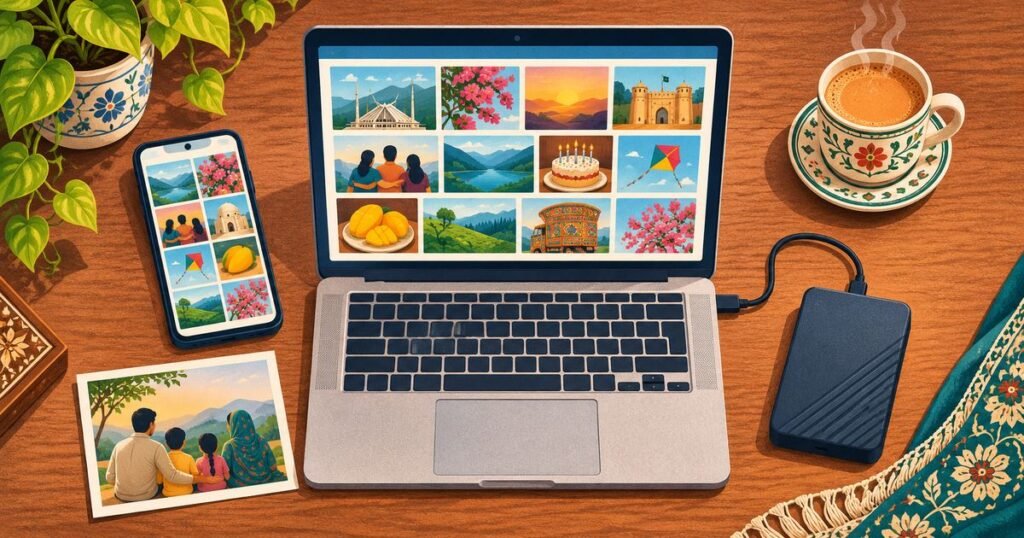
| Photos and files | Open an older photo, a recent video and a PDF from Downloads or Files. Save an offline copy of documents you need without internet. |
| Contacts and SIM | Search for a saved contact and make a call. If you use two SIMs, test each number and confirm which one handles mobile data. |
| Bank, wallet and email apps | Open each essential app and check that you can sign in. Use the provider’s instructions if it asks you to register the new device. |
| Two-step verification | Check that your sign-in codes or recovery method works before you remove access from the old phone. |
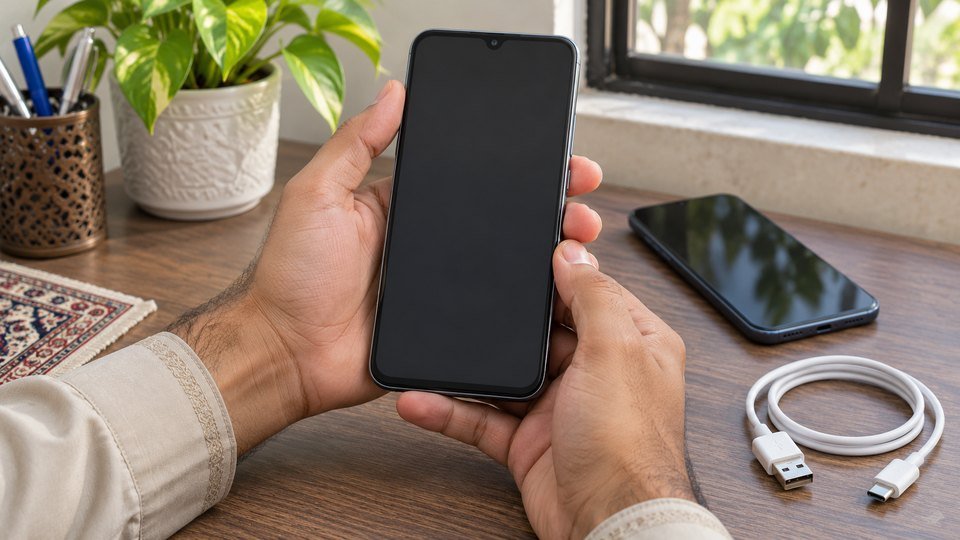
For example, if you are trading in a phone in Rawalpindi, open the PDF receipt you last downloaded, play a voice note from an older WhatsApp chat, and check that the number you use for banking can receive an SMS on the new handset. Do these checks while both devices are still with you. Enter passwords and verification codes privately.
Recover any missing items while you still have both phones
For an Android-to-Android move, start with Google’s Android transfer guide. For an iPhone-to-iPhone move, use Apple’s transfer options. If you are moving between systems, follow Apple’s Android-to-iPhone instructions or Google’s WhatsApp transfer guide for a new Android phone. Check the steps for your direction of transfer before completing setup.
If a file is missing, check its original folder on the old device and copy it separately. If chat history is missing, check the supported recovery steps before retrying. Google warns that restoring older WhatsApp history on a new Android phone can replace newer history created there.
Erase the old phone after the checks pass.
Once your files, contacts and essential accounts are working, follow the manufacturer’s handover instructions. Use Apple’s sale and trade-in checklist for iPhone or Google’s factory reset guidance for Android alongside any steps required by your phone maker. Check the physical SIM tray and remove any SIM or memory card you are keeping.
If you are still choosing a replacement, our mobile phone buying guide in Pakistan covers storage, SIM support, and what to check on a used handset.
Sources
Google’s Android backup and restore guidance · Google’s WhatsApp migration guidance · Apple’s iPhone transfer instructions · Apple’s device handover checklist