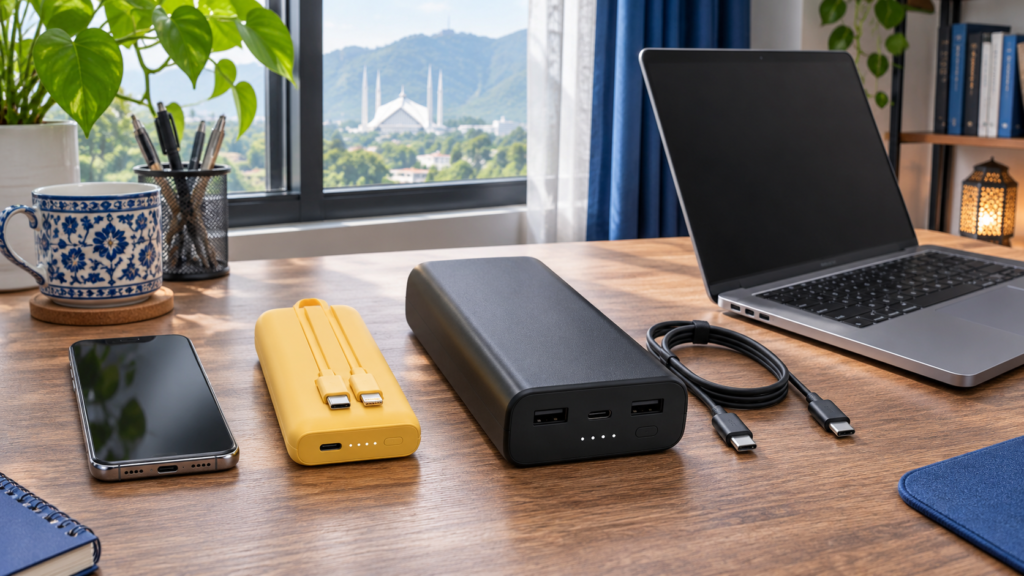
Start with the Marsriva KP4 at Rs. 7,500 if your fibre connection uses one compatible modem-router or a separate ONT and router that can each use a different output. The KP3 is worth comparing if you can confirm stock at the lower listed price. If both boxes need 12V, look for a backup with two suitable 12V outputs. Each of these models has just one.
Table of Contents
Quick price and spec comparison
Who should buy the KP4 or KP3?
Quick price and spec comparison
Price check: 18 November 2026. Prices are listed in Pakistani rupees before delivery. The stock notes reflect what the sellers displayed when checked.
| What to compare | Marsriva KP4 | Marsriva KP3 (36 Wh) |
|---|---|---|
| Listed price | Rs. 7,500 at Netlink | Rs. 6,800 at Shop Drop. Rs. 7,800 at OK Computers |
| Stock shown | Netlink showed stock | Shop Drop showed both “Sold out” and “In Stock”. OK Computers showed out of stock |
| Battery and total output | 36 Wh, 18 W maximum | 36 Wh, 18 W maximum |
| DC outputs | 12V/1.5A, 9V/2A, 5V/2.1A | 12V/1.5A, 9V/2A, 5V/2A |
| USB | USB-A and USB-C, both listed at 5V/2.1A | One 5V/2A USB output |
| Local warranty | Model-specific terms unclear. Ask Netlink for written coverage | Both sellers listed a 15-day checking warranty. Confirm what it covers |
The KP3 figures are for the standard 36 Wh model. The KP3 EC has a smaller 29.6 Wh battery. Ask for a box-label photo if a listing combines several KP3 variants.
Check your fibre setup first.
One modem-router or two powered boxes?
Follow the cables. The optical network terminal (ONT) is where the incoming fibre ends. If it also supplies Wi-Fi, you may have just one box to power. If Ethernet runs from the ONT to a separate router, back up both devices to keep that network working. StormFiber illustrates the same setup in its guidance on connecting a separate access point.
Check the ports and add the loads.
Read the output labels on the original adapters and compare them with the UPS outputs. For example, a 12V/1A ONT and a 9V/0.6A router have a combined adapter rating of 17.4 W. That is close to the 18 W total limit. Actual draw can differ, so ask the seller to confirm both devices can start and run together. Two separate 12V devices need a backup with two suitable 12V outputs and enough total power.
Who should buy the KP4 or KP3?
KP4 for a compatible setup you need to buy now
The KP4 is the clearer local purchase on the listings checked. Its separate 5V USB-C outlet is handy if you have a compatible accessory. Leave accessories disconnected during an outage when keeping the internet running is the priority.
KP3 if stock and the lower price are confirmed
At Shop Drop’s listed price, the KP3 would save Rs. 700 against the KP4. Its battery energy and total output rating are the same. Get written stock confirmation for the standard 36 Wh model, the included cables, and the charging adapter before paying. At the Rs. 7,800 listing, the KP4 costs less.
What to check before ordering
- Match the device labels. Confirm DC voltage, current, barrel connector dimensions, and polarity for each device. A plug fitting into the socket tells you only its physical size.
- Confirm the complete box contents. Ask which DC leads, tips, and wall adapter are included for the exact unit you will receive.
- Get the checking terms in writing. Ask whether battery or switchover faults are covered, when the claim window starts, and who pays courier charges.
- Check backup duration with your actual setup. Ask about runtime for your equipment, then unplug the UPS from mains and check that both boxes and a live webpage stay up. Test while the seller’s checking window is still open.
Frequently asked questions
Will a mini UPS keep PTCL Flash Fiber or StormFiber working during load shedding?
It can keep compatible equipment in your home powered. Your connection also depends on the provider’s equipment serving your area. Ask your ISP what happens during local outages if you need connectivity for work. Does a 36 Wh battery guarantee a fixed runtime?
Runtime depends on what your devices draw, conversion losses, and the battery’s condition. At a steady 10 W, 36 Wh divided by 10 W gives a theoretical 3.6 hours before losses. Allow for a shorter real runtime and check it with your own equipment. Can the KP4 USB-C port power my 12V router?
Marsriva lists the KP4 USB-C output at 5V. Use the labelled 12V DC port only if your router’s current, plug, and polarity also match. Will the router restart when mains power goes off?
Marsriva advertises zero-millisecond transfer for the KP4 and KP3 series. Verify the changeover with your equipment while you can still use the seller’s warranty.
Final recommendation
Buy the KP4 if your equipment fits the port and power limits and Netlink confirms the box contents and warranty. Choose the KP3 only if the seller confirms the 36 Wh model is in stock at a lower total price. For two 12V boxes, shop for dual 12V outputs first.
Browse more Gadgets and Buying Guides & Reviews on Pakistaniprice.
Sources
Marsriva KP4 specifications and Marsriva KP3 series specifications
Shop Drop KP3 listing and OK Computers KP3 listing
MM News coverage of the 18 November Karachi maintenance cuts